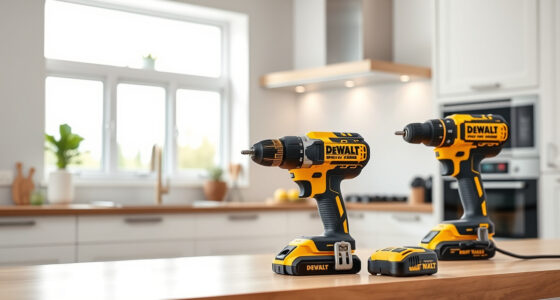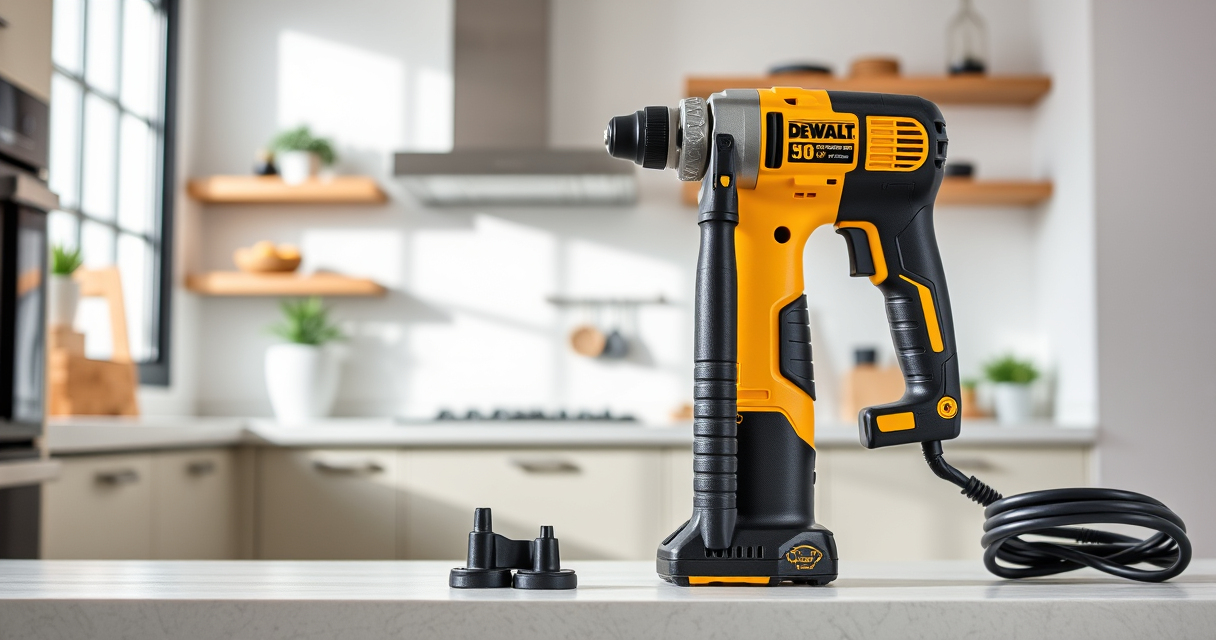

Getting started with your new DEWALT power tools can seem daunting, but with the right setup process, you’ll be ready to tackle your projects confidently and safely. Proper setup not only enhances performance but also ensures your safety during use. This guide provides clear, step-by-step instructions to help you assemble, configure, and maintain your DEWALT tools effectively.

Get garden gear delivered free with Prime
- Fast, free delivery on millions of items
- Prime Video, Amazon Music and more included
- Member-only deals all year
Whether you’re a seasoned professional or a DIY enthusiast, following these practical tips will ensure you get the most out of your investment while avoiding common pitfalls.
Key Takeaways
| Safety First | Always wear protective gear and read the manual before starting. |
| Proper Assembly | Ensure all parts are securely attached and compatible. |
| Battery Handling | Use compatible batteries and handle with care to prevent damage. |
| Tool Inspection | Check for damage or defects before each use. |
| Maintenance & Storage | Keep tools clean, charged, and stored in a dry place. |
Preparing Your Workspace
Before setting up your DEWALT tool, choose a clean, well-lit workspace with enough room to maneuver safely. Clear away clutter and ensure your power source (outlet or battery charger) is easily accessible. Good ventilation is also recommended, especially if you’re working indoors with dust or fumes.
Gather all necessary accessories, such as drill bits, batteries, and chargers. Reading the manual specific to your model, like the DEWALT 20V MAX Cordless Drill Driver Set, helps familiarize you with its features and safety instructions.
Assembling the Drill
- Unbox the drill and verify all components are present: drill body, battery, charger, and accessories.
- Insert the battery pack into the handle until it clicks securely into place. For the DEWALT DCD777D1, ensure the 2.0 Ah battery is properly seated.
- Attach the appropriate drill bit or screwdriver bit to the ratcheting chuck. Use the 3-flats shank of compatible bits to prevent slipping.
- Adjust the clutch and speed settings according to your task — the DCD777D1 features 2 speeds for versatile use.
Double-check all connections before powering on to ensure safety and proper operation.
Powering Up and Testing
Press the LED light button to turn on the illumination feature, which helps in dimly lit areas. Turn the speed selector to your desired setting, typically low for delicate tasks and high for tougher jobs.
Press the trigger to test the drill. Notice the brushless motor delivers more run time and consistent power, especially useful for prolonged work sessions. If the drill does not power on, check the battery connection and charge level.
Battery Maintenance & Replacement
Use only compatible DEWALT batteries, such as the 20V MAX 5 Ah Lithium-Ion Battery (DCB205-2), to ensure optimal performance. Avoid exposing batteries to extreme temperatures and always store them in a cool, dry place.
To replace or upgrade batteries, remove the old pack by pressing the release buttons and snap in the new one until it clicks. Monitor the LED fuel gauges for charge status, and recharge when necessary.
Safety Tips & Troubleshooting
- Always wear eye protection, gloves, and hearing protection when operating power tools.
- Inspect your tool regularly for damage or wear, especially the power cord or battery contacts.
- If the drill stalls or does not operate, check for jammed bits, loose connections, or low battery charge.
- Do not force the tool; let it do the work at its designed speed and torque.
- Store your tools in a dry, secure place to prevent damage and unauthorized use.
The Products in This Guide

DEWALT 20V MAX Cordless Drill Driver Set
- ✔ Weight: 3.4 lbs
- ✔ Length: 7.6 inches
- ✔ Max Torque: 340 UWO

DEWALT Drill Bit Set
- ✔ Weight: 0.5 lbs
- ✔ Package Size: 8 x 4 inches
- ✔ Bit Length: 3 inches
DEWALT 20V MAX Cordless Drill Driver Set
The DEWALT 20V MAX Cordless Drill Driver Set offers a powerful brushless motor, lightweight design, and ergonomic grip, making it ideal for both professional and DIY use. Its LED light and 2-speed transmission enhance usability in various environments.
Pros:
- Powerful brushless motor for longer runtime
- Compact and lightweight for tight spaces
- 2-speed transmission for versatility
- LED work light for visibility
- Includes battery and charger
Cons:
- Battery life may vary with heavy use
- Limited to 1/2 inch chuck size
- Requires careful handling of batteries
Best for: General-purpose drilling, fastening, and DIY projects
Not ideal for: Heavy-duty industrial applications or continuous professional use
Bottom line: A reliable, versatile cordless drill suited for most household and professional tasks.
DEWALT Drill Bit Set
The DEWALT Drill Bit Set features high-speed steel bits with a 135-degree split point, ideal for drilling into plastic, wood, and metal. Its durability and specific design help prevent walking and breakage, making it a great addition to your toolkit.
Pros:
- Durable high-speed steel construction
- Split point reduces walking
- Easy size identification
- Corrosion-resistant coating
Cons:
- Limited to drilling bits, not for other accessories
- Requires proper bit storage
Best for: Precision drilling in various materials
Not ideal for: Heavy-duty masonry tasks
Bottom line: A versatile drill bit set for accurate and durable drilling across multiple materials.
Frequently Asked Questions
How do I know when my DEWALT battery needs replacing?
Check the LED fuel gauge; if it shows low or no charge despite charging, it may be time to replace the battery.
Can I use non-DEWALT batteries with my drill?
It is recommended to use only DEWALT-compatible batteries to ensure safety and optimal performance.
What should I do if my drill overheats?
Turn off the drill immediately, allow it to cool down in a dry, ventilated area, and inspect for signs of damage or obstruction.
How do I change bits on my DEWALT drill?
Hold the chuck collar and rotate it counterclockwise to open. Insert the new bit, then tighten the collar securely.
How should I store my power tools after use?
Store in a dry, cool place, away from moisture and extreme temperatures. Remove batteries if not used for extended periods.
Getting the Most from Your DEWALT Power Tools
Setting up your DEWALT power tools correctly is essential for safe operation and long-lasting performance. Follow these step-by-step instructions for assembly, power management, and maintenance to ensure your tools operate efficiently. Remember, always prioritize safety, wear protective gear, and consult the manual for model-specific guidance. With proper setup and care, your DEWALT tools will be reliable partners for all your projects.
Enjoy your DIY or professional tasks with confidence, knowing you’ve prepared your tools thoroughly for optimal results.
Affiliate disclosure: As an Amazon Associate we earn from qualifying purchases. Prices and availability are accurate as of the time of publishing.
Halloween Picks
halloween
As an affiliate, we earn on qualifying purchases.