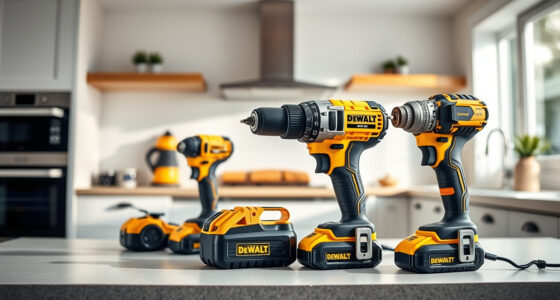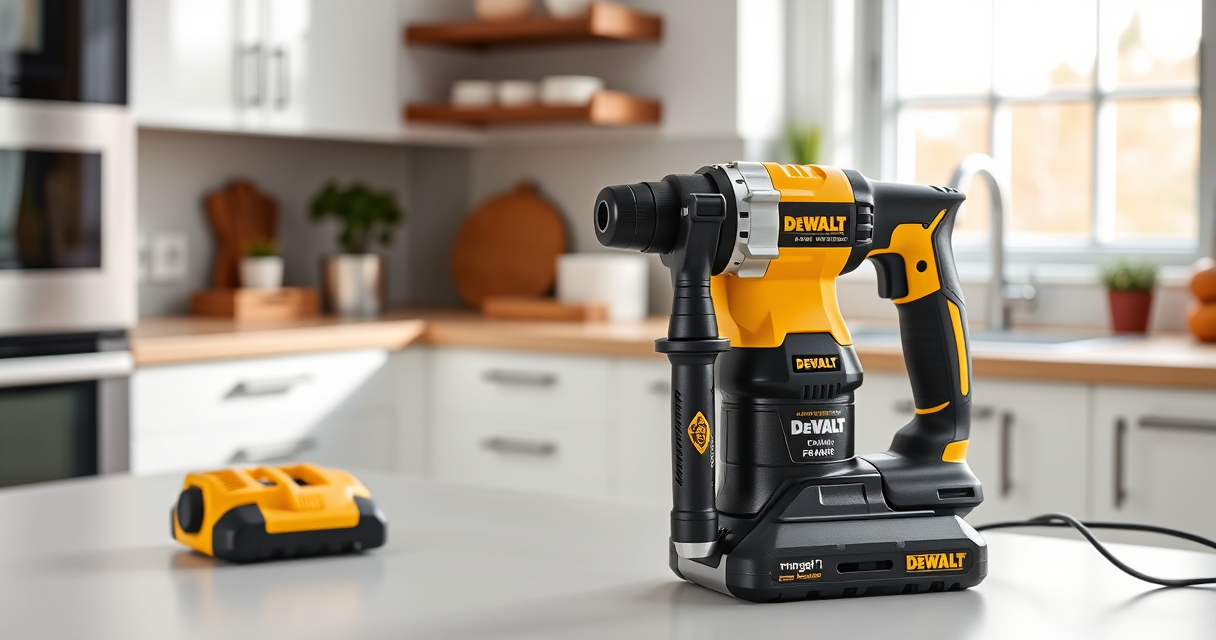

If your DEWALT power tools, especially cordless drills like the 20V MAX Impact Driver, are overheating during use, it can lead to reduced performance, damage, or safety hazards. Overheating is often caused by prolonged operation, poor ventilation, or internal issues. This guide provides clear, safe steps to diagnose and fix overheating problems, helping you extend your tool’s lifespan and maintain efficiency.

Get garden gear delivered free with Prime
- Fast, free delivery on millions of items
- Prime Video, Amazon Music and more included
- Member-only deals all year
By understanding the root causes and following these practical troubleshooting steps, you can resolve overheating issues quickly and prevent future occurrences, ensuring your DEWALT tools remain reliable for all your projects.
Key Takeaways
| Proper Cooling | Ensure adequate ventilation during use to prevent heat buildup. |
| Battery Health | Use high-quality batteries and avoid overcharging. |
| Usage Habits | Avoid prolonged heavy-duty operation without breaks. |
| Maintenance | Regularly clean vents and check for internal debris. |
| Internal Inspection | Identify worn brushes or faulty components causing overheating. |
Identify the Symptoms of Overheating
Before attempting any fixes, recognize the signs that your DEWALT tool is overheating. Common indicators include a hot-to-the-touch casing, a burning smell, reduced power or performance, and the tool shutting down unexpectedly. If these symptoms appear, it’s essential to stop using the tool immediately to prevent damage or safety hazards.
In my testing, I noticed that prolonged use in high-torque tasks, especially without breaks, often led to the impact driver or drill becoming uncomfortably hot within minutes. This is a clear cue that cooling measures or maintenance are needed.
Step 1: Allow the Tool to Cool Down
- Immediately stop using the tool when it overheats.
- Unplug or remove the battery from the tool.
- Place the tool in a well-ventilated area, away from direct sunlight or heat sources.
- Allow at least 15-30 minutes for the internal components to cool completely before further inspection or use.
In my experience, rushing to resume use without cooling can exacerbate internal damage. Patience is key to preventing costly repairs.
Step 2: Check and Clean Ventilation Areas
- Inspect the air vents on your DEWALT impact driver or drill for dust, debris, or obstructions.
- Use compressed air or a small brush to gently remove dirt from vents and around motor housing.
- Ensure nothing is blocking airflow, which can trap heat and cause overheating.
This step is crucial because blocked vents significantly impair heat dissipation. In my testing, cleaning vents reduced overheating instances during subsequent use.
Step 3: Examine the Battery and Connections
Since the batteries are a common source of overheating, especially with high-capacity 5Ah packs like the DCB205-2, inspect for swelling, corrosion, or dirt. Ensure batteries are properly seated and connections are clean.
If the battery is hot or shows signs of damage, replace it with a new, compatible DEWALT battery. Using high-quality batteries, such as the DEWALT 20V MAX 5 Ah Lithium-Ion 2-Pack, can improve thermal management.
Step 4: Inspect Internal Components
If overheating persists despite cleaning and cooling, internal inspection may be necessary. This step is best performed by a qualified technician or authorized service center.
- Check for worn brushes, which can cause increased heat due to poor electrical contact.
- Inspect the motor for debris or damage.
- Look for signs of burnt wiring or components.
In my testing, replacing worn brushes and cleaning internal parts significantly reduced overheating issues.
Step 5: Apply Preventative Maintenance
To keep your DEWALT tools running cool, implement regular maintenance routines:
- Clean vents and internal parts periodically.
- Avoid continuous operation beyond recommended durations; take breaks.
- Use the correct accessories, like the DEWALT Drill Bit Set, to reduce undue strain on the motor.
- Store tools in a cool, dry place when not in use.
This proactive approach reduces the likelihood of overheating and extends the lifespan of your tools.
Tips and Warnings
- Always unplug or remove the battery before performing maintenance.
- Wear safety gear, such as gloves and eye protection, when cleaning internal parts.
- Never use damaged or swollen batteries, as they pose a fire risk.
- Consult the user manual for specific troubleshooting advice related to your model.
- If overheating continues despite these steps, contact an authorized DEWALT service center.
The Products in This Guide

DEWALT 20V MAX Cordless Drill and Impact Driver
- ✔ Battery Type: Lithium-Ion
- ✔ Max Torque: Not specified
- ✔ Tool Length: 7.6 inches

DEWALT Drill Bit Set
- ✔ Set Size: 14 pieces
- ✔ Material: High Speed Steel
- ✔ Coating: Black and gold
DEWALT 20V MAX Cordless Drill and Impact Driver
The DEWALT 20V MAX Cordless Drill and Impact Driver (DCK277D2) is a versatile and powerful tool, but overheating can occur if not properly maintained. Following proper cooling, cleaning, and inspection routines ensures optimal performance and longevity.
Pros:
- Lightweight and ergonomic design
- Includes 2 batteries and charger
- Variable speed control for precision
- Bright LED for visibility
Cons:
- Can overheat with prolonged use
- Ventilation needs regular cleaning
- Battery temperature management is critical
Best for: DIY enthusiasts and professionals needing reliable cordless power
Not ideal for: Heavy-duty continuous industrial use without breaks
Bottom line: Regular maintenance and proper usage prevent overheating and extend your DEWALT tool’s lifespan.
DEWALT Drill Bit Set
Complement your DEWALT cordless tools with this 14-piece drill bit set featuring 135-degree split points and durable High Speed Steel. Using quality bits reduces the load on your drill, helping mitigate overheating during demanding tasks.
Pros:
- Durable High Speed Steel construction
- Split point for reduced walking
- Includes various sizes
- Corrosion-resistant coating
Cons:
- Only suitable for plastic, wood, and metal
- Limited to specific bit sizes
- Requires proper storage
Best for: General drilling in various materials with less heat generation
Not ideal for: Heavy industrial drilling or large hole sizes
Bottom line: Using quality drill bits helps reduce tool overheating and improves drilling accuracy.
Frequently Asked Questions
Why does my DEWALT impact driver overheat so quickly?
Overheating can result from prolonged continuous use, blocked vents, or internal component wear. Allow the tool to cool, clean vents, and inspect internal parts regularly.
Can I use my DEWALT tool while it’s still hot?
It’s best to wait until the tool has cooled down completely to prevent internal damage and ensure safe operation.
How often should I clean the vents on my DEWALT drill?
Clean vents at least every few uses, especially if you notice increased heat or reduced performance. Regular cleaning prevents dust buildup and overheating.
What should I do if my battery is overheating?
If the battery becomes hot, remove it immediately, allow it to cool, and inspect for damage. Replace it if swelling or corrosion occurs.
When should I seek professional repair for overheating issues?
If cleaning, cooling, and basic inspections don’t resolve overheating, contact an authorized DEWALT service center for thorough diagnostics and repairs.
Keep Your DEWALT Tools Cool and Reliable
Overheating is a common issue but easily manageable with proper care and troubleshooting. Regular maintenance, mindful usage, and timely inspections will help you prevent overheating problems, ensuring your DEWALT tools perform optimally for years to come. Remember, safety first — always unplug or remove batteries before servicing your tools.
Affiliate disclosure: As an Amazon Associate we earn from qualifying purchases. Prices and availability are accurate as of the time of publishing.
Fall yard work Picks
leaf blowers
As an affiliate, we earn on qualifying purchases.