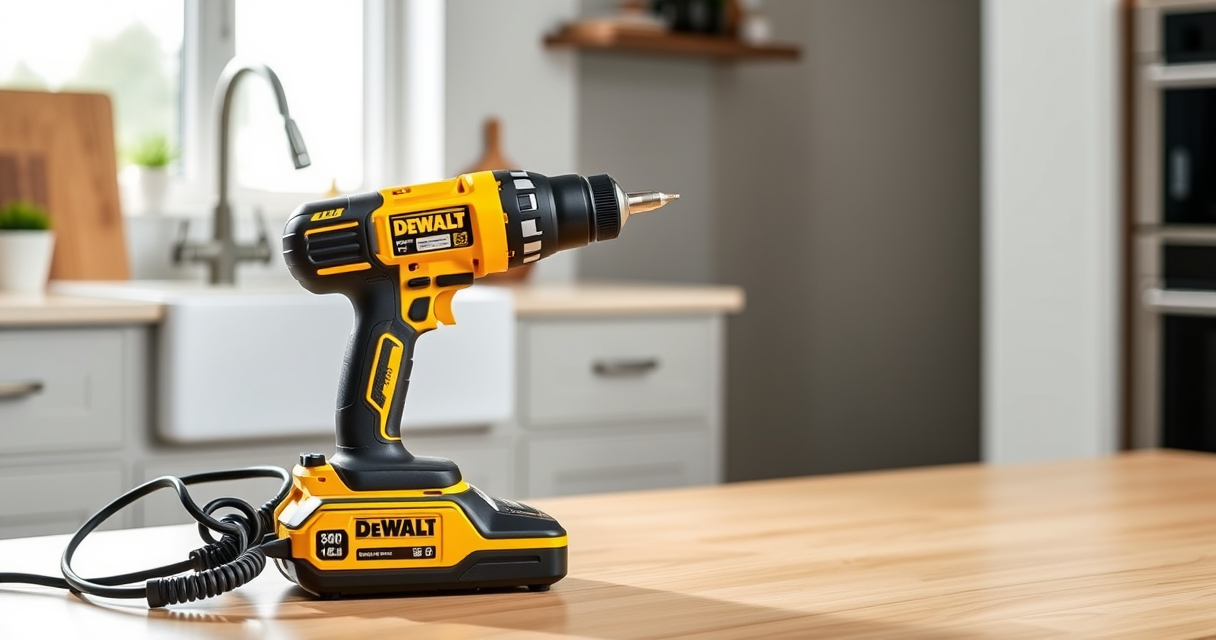

If your DEWALT power tool battery isn’t charging, it can halt your projects and cause frustration. Understanding common causes and following proper troubleshooting steps will help you quickly resolve the issue and get back to work. This guide provides practical, safe, and accurate fixes based on the product facts and best practices.

Get garden gear delivered free — and shop member deals
- Fast, free delivery on millions of items
- Access to Prime Big Deal Days deals on October 6–7
- Prime Video, Amazon Music and more included
Before attempting any fixes, ensure your charger and battery are compatible and in good condition. Always prioritize safety and follow proper procedures to avoid damage or injury.
Key Takeaways
| Battery Age | Older batteries may lose capacity and fail to charge. |
| Charger Compatibility | Using a compatible charger ensures proper charging. |
| Connection Issues | Loose or dirty contacts prevent charging. |
| Temperature Factors | Extreme cold or heat can hinder charging. |
| Battery Health | Damaged or worn-out batteries need replacement. |
Step 1: Inspect the Battery and Charger
- Remove the battery from your DEWALT tool and disconnect the charger from power.
- Check for any visible damage, corrosion, or dirt on the battery contacts and charger ports.
- Clean contacts gently with a dry cloth or a soft brush if dirty or corroded.
Step 2: Confirm Proper Connection and Compatibility
- Ensure the battery is seated correctly in the charger, with contacts aligned properly.
- Verify that the battery and charger are compatible, especially if using third-party accessories.
- Use only DEWALT-approved chargers and batteries for the best results.
Step 3: Test the Charger and Battery
- Plug the charger into a working outlet and observe the LED indicators—refer to the charger manual for specific signals.
- Insert the battery into the charger and check if the charging light activates.
- If no lights or unusual indicators appear, try charging another known-good battery or use a different outlet.
Step 4: Check Environmental Conditions
- Ensure the battery and charger are at room temperature; avoid charging in extreme cold or heat.
- Allow the battery to warm up or cool down if stored in unsuitable conditions.
Step 5: Replace if Necessary and Contact Support
If the battery still refuses to charge after troubleshooting, it may be worn out or damaged. Consider replacing it with a new DEWALT 20V MAX Lithium-Ion Battery.
For persistent issues, contact DEWALT customer support or consult a service center.
The Products in This Guide

DEWALT 20V MAX Cordless Drill Driver Set
- ✔ Weight: 3.4 lbs
- ✔ LED Light: Yes
- ✔ Tool Length: 7.6 inches

DEWALT Drill Bit Set
- ✔ Tip Angle: 135 degrees
- ✔ Shank Type: 3-flats
- ✔ Durability: High
DEWALT 20V MAX Cordless Drill Driver Set
The DEWALT 20V MAX Cordless Drill Driver Set is a versatile tool ideal for various tasks. Its brushless motor offers increased run time, and the included 2.0 Ah battery and charger ensure convenience. Proper battery maintenance and troubleshooting can keep it performing optimally.
Pros:
- Brushless motor for efficiency
- Compact and lightweight design
- LED light for visibility
- Includes battery and charger
Cons:
- Battery life limited by age
- Charger may need replacement over time
- No fast-charging feature
Best for: DIY projects, home repairs, and light to medium professional work
Not ideal for: Heavy-duty industrial use or extended professional jobs
Bottom line: A dependable cordless drill set suitable for most DIY and professional tasks.
DEWALT Drill Bit Set
Complement your DEWALT drill with this 14-piece drill bit set featuring high-speed steel and a 135-degree split point tip. Designed for durability and precision, it’s perfect for drilling into plastic, wood, and metal.
Pros:
- Wide variety of bits
- Durable high-speed steel
- Split point design reduces walking
- Corrosion-resistant coating
Cons:
- Limited to specific materials
- Not suitable for heavy-duty industrial use
- No carrying case included
Best for: General-purpose drilling in DIY, woodworking, and metalworking
Not ideal for: Heavy industrial applications requiring specialized bits
Bottom line: A versatile drill bit set that enhances your drilling efficiency.
Frequently Asked Questions
Why is my DEWALT battery not charging?
Common reasons include dirty contacts, incompatible charger, battery age, temperature issues, or damaged batteries. Troubleshooting these factors can often resolve the problem.
How do I clean battery contacts?
Use a dry, soft cloth or a soft brush to gently remove dirt or corrosion from the contacts. Avoid using liquids or abrasive materials.
Can I leave my battery on the charger indefinitely?
It’s best to remove the battery once fully charged to prolong its lifespan. Modern DEWALT chargers have overcharge protection, but regular removal is recommended.
What should I do if my charger’s LED doesn’t light up?
Check the power outlet, inspect the charger and cord for damage, and try a different outlet. If the problem persists, consider replacing the charger.
Keep Your DEWALT Power Tools Running Smoothly
Battery charging issues can often be resolved by careful inspection and proper maintenance. Regularly checking contacts, environmental conditions, and using compatible chargers will extend your battery’s life and ensure your tools are always ready for use. If problems persist, replacing worn-out batteries or contacting support may be necessary to keep your projects on track.
Affiliate disclosure: As an Amazon Associate we earn from qualifying purchases. Prices and availability are accurate as of the time of publishing.
Fall Picks
fall essentials
As an affiliate, we earn on qualifying purchases.