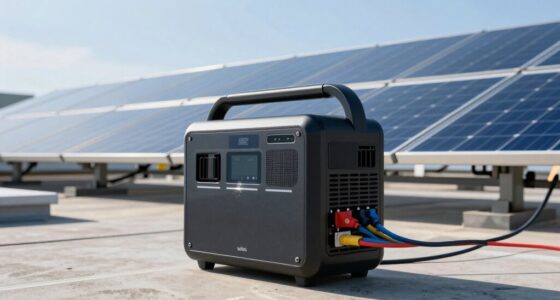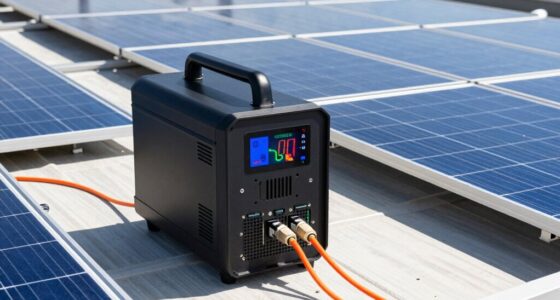
UPS mode provides instant backup power that kicks in immediately when mains power fails or fluctuates, ensuring your devices stay running without interruption. This quick switch prevents data loss and protects your electronics from surges or spikes. It’s especially vital during critical tasks like server operation, editing, or gaming. Understanding how this seamless changeover works helps you appreciate the importance of good battery health and surge protection. Keep going to learn more about keeping your setup resilient.
Key Takeaways
- Instant backup is critical during sudden power outages to prevent data loss and device shutdowns.
- UPS seamlessly switches from mains to battery, ensuring continuous power without interruption.
- Maintaining battery health guarantees reliable instant backup when power is abruptly cut.
- Surge protection combined with instant backup safeguards sensitive electronics from voltage spikes.
- Immediate transfer to backup power is essential for critical tasks like server operation and data editing.
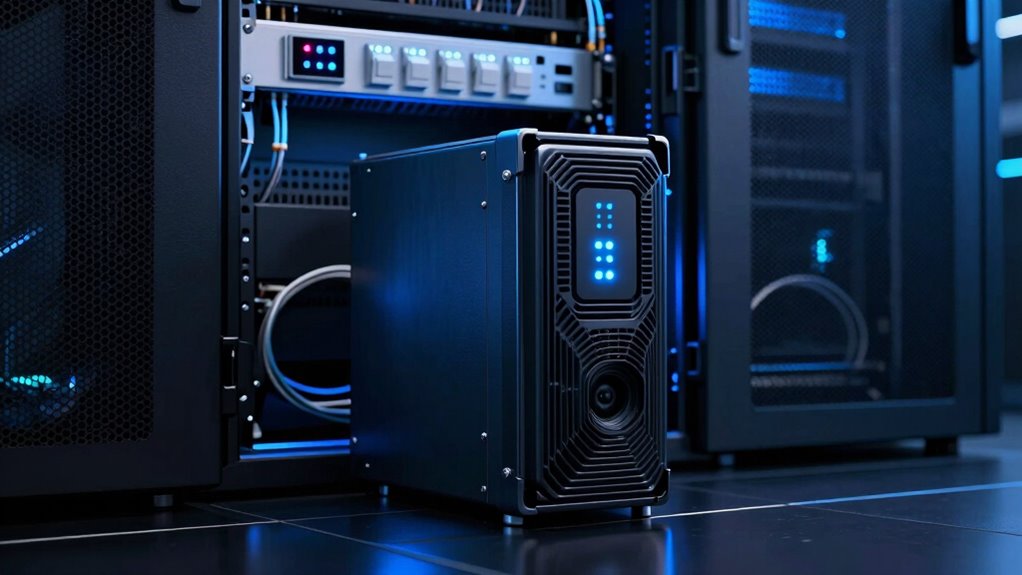
A UPS (Uninterruptible Power Supply) mode is a vital feature that guarantees your devices stay powered during outages or voltage fluctuations. When you experience a power cut, your UPS switches seamlessly from mains power to its internal battery, providing immediate backup so your work isn’t interrupted. This quick shift, often called “instant backup,” is fundamental for preventing data loss, especially if you’re working on critical tasks like editing documents or running servers. But beyond just keeping your devices running, the UPS mode also plays a significant role in protecting your equipment from power surges. Surge protection is built into most UPS units, shielding your devices from sudden voltage spikes caused by lightning strikes or electrical faults, which can otherwise damage sensitive electronics.
One of the key aspects to ponder with UPS mode is the battery lifespan. Over time, the internal batteries degrade, reducing the amount of backup power available during outages. If your battery begins to weaken, your UPS might only provide seconds of backup instead of minutes, which can be enough to save your work but might also leave your devices vulnerable if the power isn’t restored immediately. Regularly checking your UPS’s battery health and replacing batteries when needed assures you maintain reliable backup power when it matters most. Proper maintenance not only prolongs the battery lifespan but also guarantees that your surge protection remains effective, safeguarding your equipment from unexpected electrical surges.
Understanding battery health is essential because it directly impacts your UPS’s ability to protect and support your devices over time. When you understand how UPS mode operates, you realize it’s more than just a backup feature; it’s a safeguard for your digital environment. The instant transfer from main power to battery power means your devices experience no interruption, allowing you to save your work and shut down properly if needed. This seamless switch is especially important for sensitive electronics like servers, networking equipment, and high-end computers that can be damaged by sudden power loss or surges. The built-in surge protection further ensures that even if the grid experiences voltage spikes, your devices remain safe. By investing in a quality UPS and maintaining its batteries, you create a resilient setup that keeps your electronics protected and operational, even in unpredictable power conditions.

VEVOR Plant Shelf with Grow Light, 6-Tier Indoor Plant Stand, 71 in Tall Plants Display Rack with Wheels & 4/9/14H Timer, 80W T5 LED Full Spectrum Grow Lights, Flower Pot Holder for Seed Starting
5-Tier Plant Stand: Measuring 71 in tall with 5 spacious shelves, the plant stand with grow light is...
As an affiliate, we earn on qualifying purchases.
Frequently Asked Questions
How Does UPS Mode Differ From Other Backup Power Options?
You’ll find that UPS mode differs from other backup options by providing instant power when the main supply fails, minimizing downtime. This quick response helps protect sensitive equipment. Keep in mind, UPS systems may have higher initial costs and impact battery lifespan due to frequent switching. When evaluating options, consider the cost considerations and how vital instant backup is for your setup to choose the best solution.
Can UPS Mode Support High-Power Devices Simultaneously?
Think of UPS mode as a tightrope walker balancing your high-power devices. Yes, it can support a high power load, but only if your UPS is designed for it. Device compatibility matters—some UPS units handle multiple high-power devices simultaneously, while others don’t. Always check your UPS’s specifications. If your power load exceeds its capacity, you risk overload or shutdown. So, choose a UPS that matches your device demands for seamless, reliable backup.
What Maintenance Is Required for UPS Systems in Backup Mode?
You need to regularly perform battery testing to guarantee your UPS system’s backup capacity remains dependable. Checking the batteries helps identify potential failures before they cause downtime. Also, pay attention to cooling requirements; proper ventilation prevents overheating and prolongs component lifespan. Keep filters clean and ensure fans operate efficiently. Routine inspections and maintenance help keep your UPS in peak condition, especially when running in backup mode, so it can protect your devices when power is interrupted.
How Long Can a UPS Supply Power During an Outage?
Did you know that most UPS systems can supply power for about 5 to 15 minutes during an outage? Your UPS’s battery duration depends on its power capacity and the load connected. If you need longer backup times, consider a model with higher capacity or adding external batteries. This way, you guarantee critical systems stay operational until power is restored or you can safely shut down equipment.
Is UPS Mode Suitable for Sensitive Electronic Equipment?
Yes, UPS mode is suitable for sensitive electronic equipment because it offers reliable power sensitivity protection and guarantees seamless operation during outages. You benefit from consistent, clean power that prevents data loss or hardware damage. When choosing a UPS, check its compatibility with your equipment to ensure it provides adequate backup time and meets the power demands of your devices. This way, your sensitive electronics stay protected and operational at all times.

VEVOR Plant Stand with Grow Light, 4-Tier Plant Shelfwith 45W Full Spectrum LED, 3 Mode Plant Light with Timer and Wheel for Seed Starting, Metal Plant Rack for Indoor Plants
Sturdy Plant Growth Rack: This high-density steel plant shelf with grow light boasts excellent rust and oxidation resistance,...
As an affiliate, we earn on qualifying purchases.
Conclusion
Understanding UPS modes helps you navigate the delicate dance of power stability, ensuring your system remains resilient even when the lights flicker. Think of it as a gentle guardian, softly guiding your devices through fleeting shadows and subtle disturbances. When you choose the right mode, you’re not just avoiding disruptions—you’re inviting peace of mind, like a calm lake reflecting a clear sky. Embrace this knowledge, and let your technology flow smoothly, no matter the storm.

Sttoraboks Indoor Plant Stand with Grow Light, Tall 4-Tier Wooden Ladder Plant Shelf for Multiple Plants, Large Corner Plant Rack Holder for Living Room Patio
Plant Stand with Three-Mode Full-Spectrum Light System: This indoor plant shelf comes with adjustable grow lights to support...
As an affiliate, we earn on qualifying purchases.

DELLA Serena 22 SEER2 12000 BTU Mini Split Heat Pump Works with Alexa, Energy Star 1 Ton Pre-Charged 230V Ductless AC Unit Inverter Air Conditioner System for Rooms up to 550Sq.Ft, 16.4ft Install Kit
Stay Cool, Stay Smart: Experience seamless smart home integration with Alexa/Google Home voice control or the DELLA app...
As an affiliate, we earn on qualifying purchases.